Term 3: Designing Hugo’s clock
In this term we will be using TinkerCAD to develop our 3D design skills and see if we can make some model clocks. This is based on the ‘Hugo Cabret’ story which the children will need to understand or be…
In this term we will be using TinkerCAD to develop our 3D design skills and see if we can make some model clocks. This is based on the ‘Hugo Cabret’ story which the children will need to understand or be…
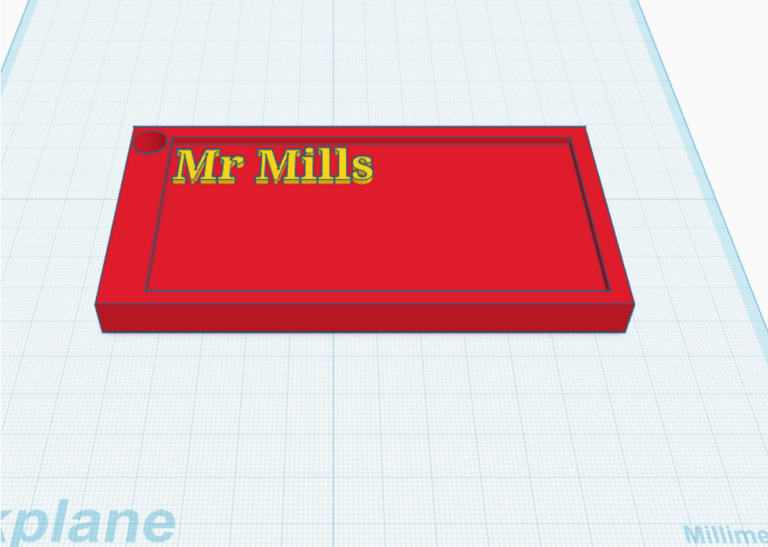
Welcome to 1930s Paris! Today, we are learning how to move around and resize s in 3D space. Your Infographic Blueprint: This is what you are trying to make today! Notice how the white handles are used to change the…
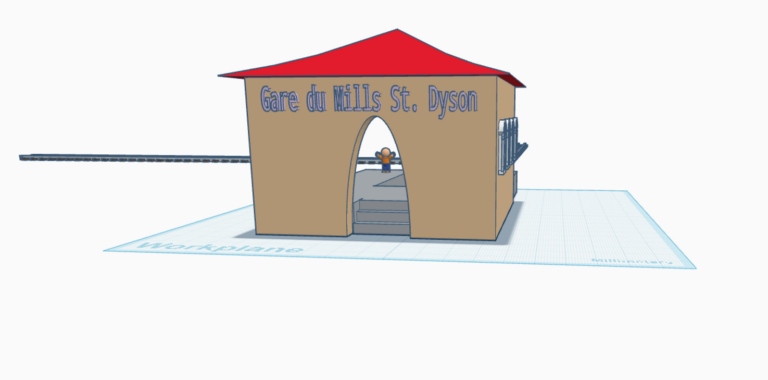
Building the Station! Today, we learn how to carve shapes out of solid walls using “Holes.” We make complex designs by removing material, not just adding it. Your Infographic Blueprint: This image shows how a clear “Hole” shape (the ghost…
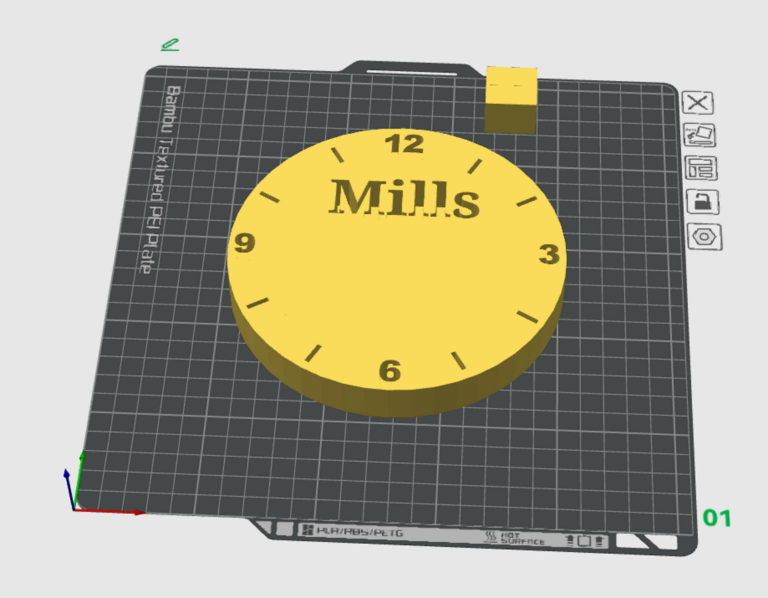
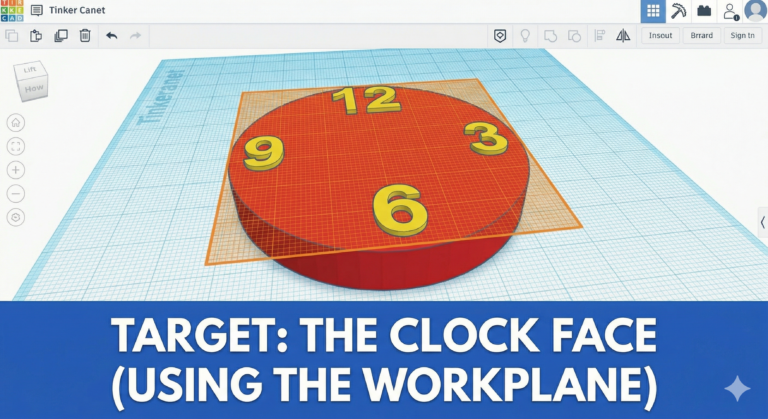
Enter Hugo Cabret! Today we learn Hugo’s job: keeping the station clocks running. Your Infographic Blueprint: This image shows how the temporary orange workplane grid lets you drop numbers 12, 3, 6, and 9 perfectly on top of the clock…
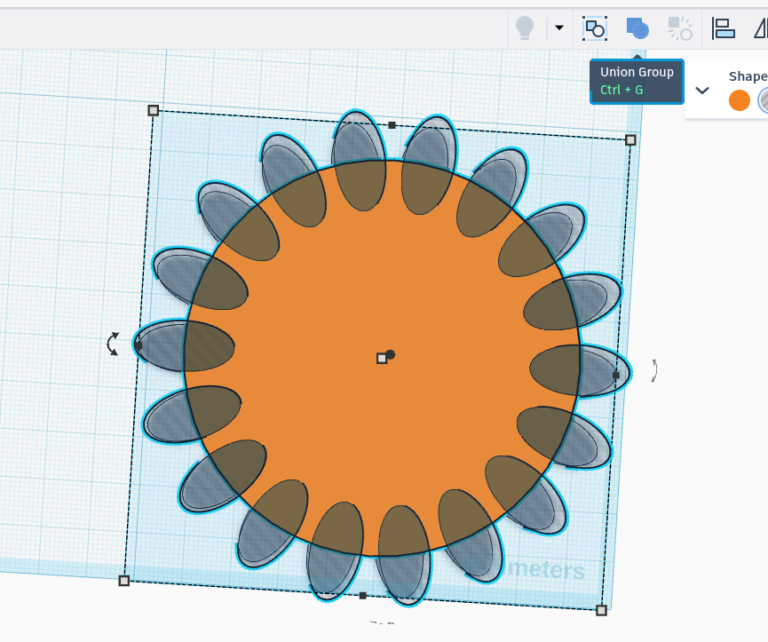
Gears make the world go round! Today, we learn the coolest, most powerful keyboard shortcut in TinkerCAD. Your Infographic Blueprint: This image shows how the computer remembers a pattern to make all the red teeth on this mechanical gear perfectly…